Practice with purpose.
Set learning goals and prepare practice for your child with help from AI. You review the exercises and decide what to assign.
Choose tasks like brushing teeth or tidying up. Kids earn points when you approve completed tasks and save them for rewards your family chooses.
Points earned
+1An everyday habit.
Brush your teethSomething to look forward to.
Family movie nightA point for making the bed can bring your child one step closer to family movie night.
You choose tasks like making the bed. Your child marks the task done.
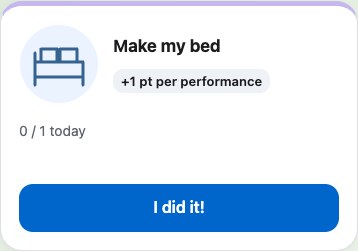
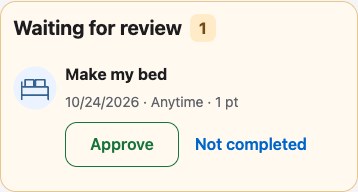
You review the task and approve the point. Kids save their points for a reward you choose together.
Preview and assign a short exercise. Your child can practise skills like addition or dictation.
Inside Growbito
Explore 10 exercise examples, from dictation and arithmetic to fractions, patterns and charts.
1 of 10
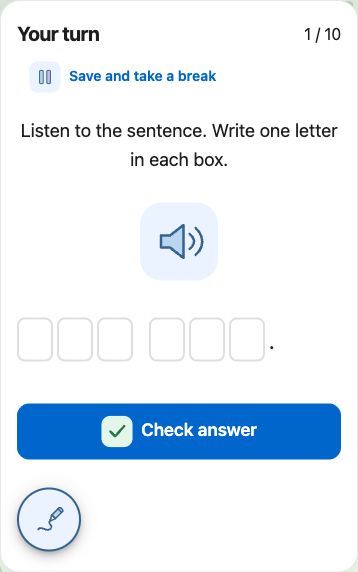
Children listen to a sentence and write one letter in each box.
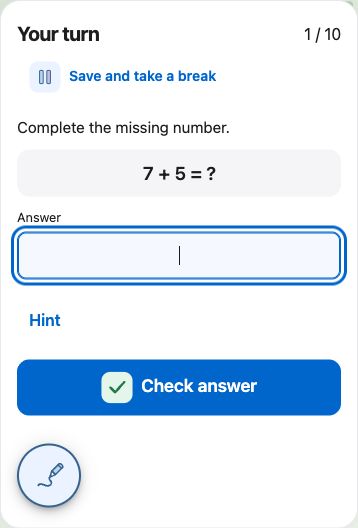
Children add two numbers and enter their answer. A hint is there if they need help.
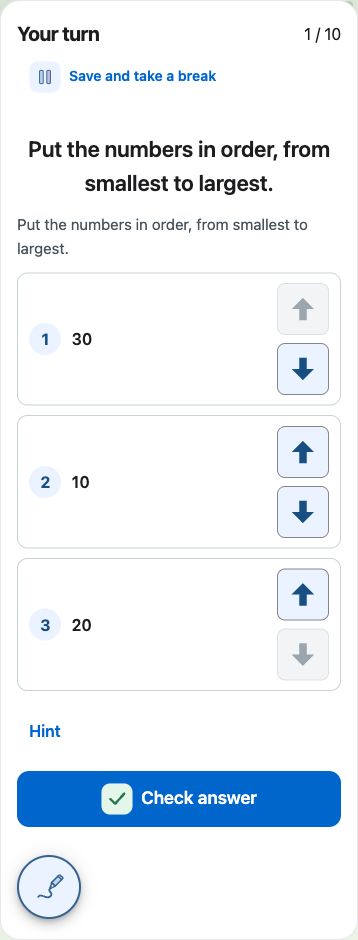
Children arrange the numbers from smallest to largest, then check their answer.
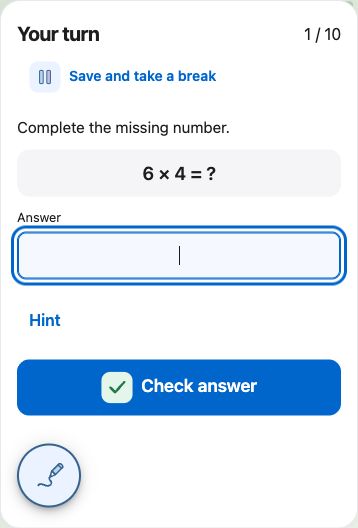
Children solve a multiplication problem and check their answer.
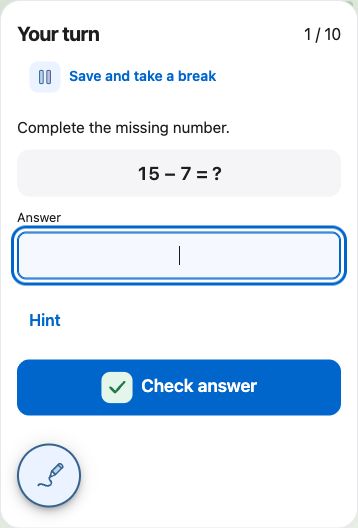
Children subtract one number from another and enter the result.
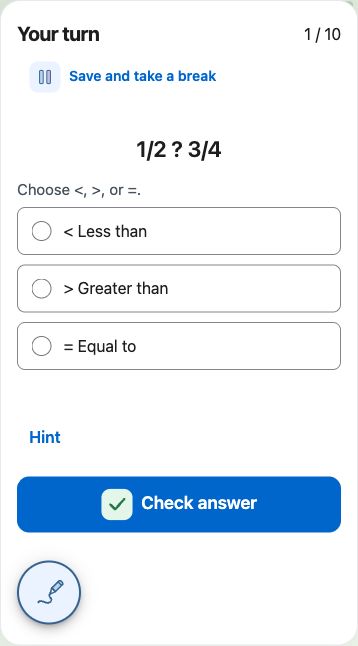
Children decide which fraction is greater, or whether both are equal.
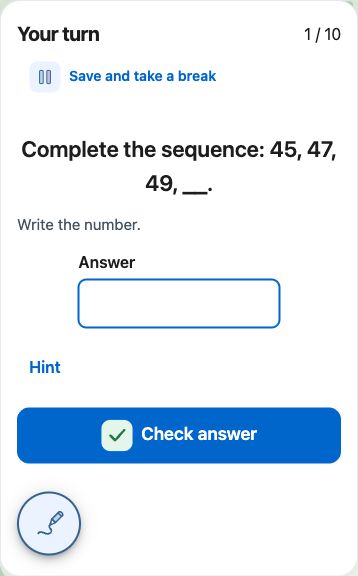
Children look for the pattern and complete the number sequence.
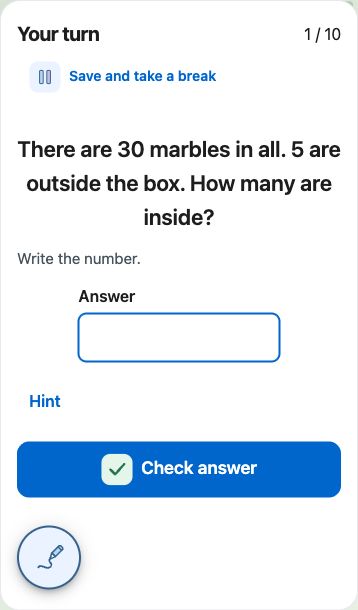
Children read a short problem and use the details to work out the answer.
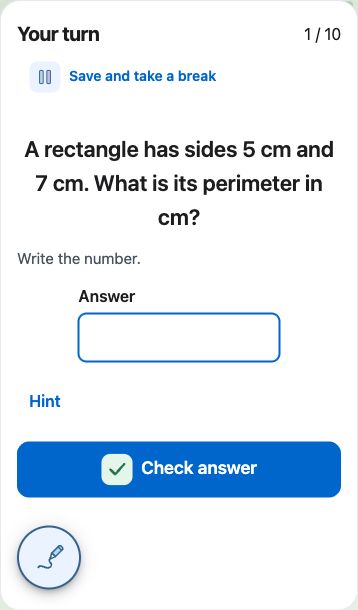
Children use the side lengths to find the perimeter of a rectangle.
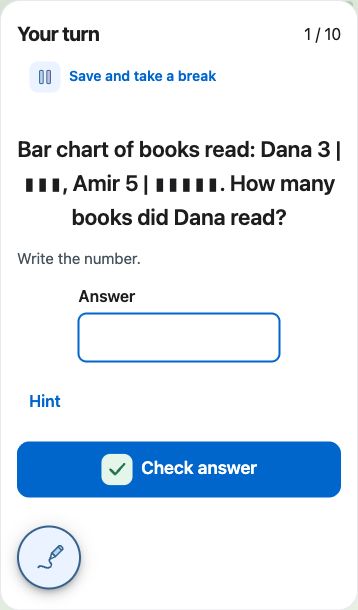
Children read a simple bar chart and use it to answer a question.
Check points, manage daily activities and rewards, and prepare practice in a conversation. You confirm changes and review new practice in Growbito before assigning it.
See how to connectExample requests
Maya is a fictional child. These example requests do not show completed actions.
Check which child the change is for and what will change. Preview and approve new practice in Growbito before assigning it.
Set everyday tasks, approve points, and choose rewards together. Add learning practice to your family’s routine.
Set learning goals and prepare practice for your child with help from AI. You review the exercises and decide what to assign.
Turn everyday activities into a clear family routine. Review completed activities and keep track of points.
A movie night. Time together. Something worth working toward. Create rewards and let children see their progress.
Use a separate profile for each child. Review their activity history and manage device access in Growbito.
Look for the connector named Little Step in ChatGPT. You can connect when it is available in your account.
When Little Step is available in your ChatGPT account, open it and follow the connection steps. Sign in to Growbito and review the requested access.
Choose a child and ask about points, daily activities, rewards or practice. Try one of the example requests above.
Check which child the change is for and what will change, then confirm. Preview and approve new practice in Growbito before assigning it.
Growbito supports English, Hebrew, Arabic, Ukrainian, and Russian. Hebrew and Arabic read from right to left.
No. You can use Growbito directly in the app. ChatGPT is another way for parents to handle supported everyday tasks.
Changes require your confirmation. Check which child the points are for and the exact amount before you confirm.
Yes. Ask for practice in chat, then review the private preview in Growbito. Approve it before assigning it to your child.
Use Growbito to sign in and manage child device access, the parent PIN, accounts and family members. Not every setting is available in chat.